Design Vision
Chris, the IoT Application developer, can develop code to work with state and conditions of manageable assets, without knowledge of individual instrumentation, data workload distribution, or network connection state.
Using IoT Edge, Chris can
- Create Edge Gateway types, select IoT Edge capabilities, and register Gateways, using the IoT Platform UI and APIs
- Provision IoT Core capabilities to IoT Edge gateways
- Distribute Data Management workloads to the edge to Filter Messages and Compute Device Device State and submit State Change Events
- Connect devices to the Gateway to Ingest, Store and Forward MQTT messages
- Develop and deliver cloud applications, independently of changes made to the edge instrumentation
Devon the IoT Edge developer, can develop workloads for the edge using common cloud programming models, and automatically distribute, manage and update workloads on Edge Gateways.
Using IoT Edge, Devon can
- Create, build and upload custom containers to the IoT Edge component registry
- Provision, Update and Manage custom containers on IoT Edge Gateways
- Use the local MQTT message bus in IoT Core, to integrate messaging across custom containers, devices, and cloud
- Create and test Cloud Functions on the cloud and configure as edge followers to run at the edge
- Create aggregation of devices into Things
- Create Rules and Actions, using Device and Thing state, and distribute as workloads to the edge
UX design
The User Experience of IoT Edge has three major parts
- IoT Edge extensions to Watson IoT Platform Gateway Types
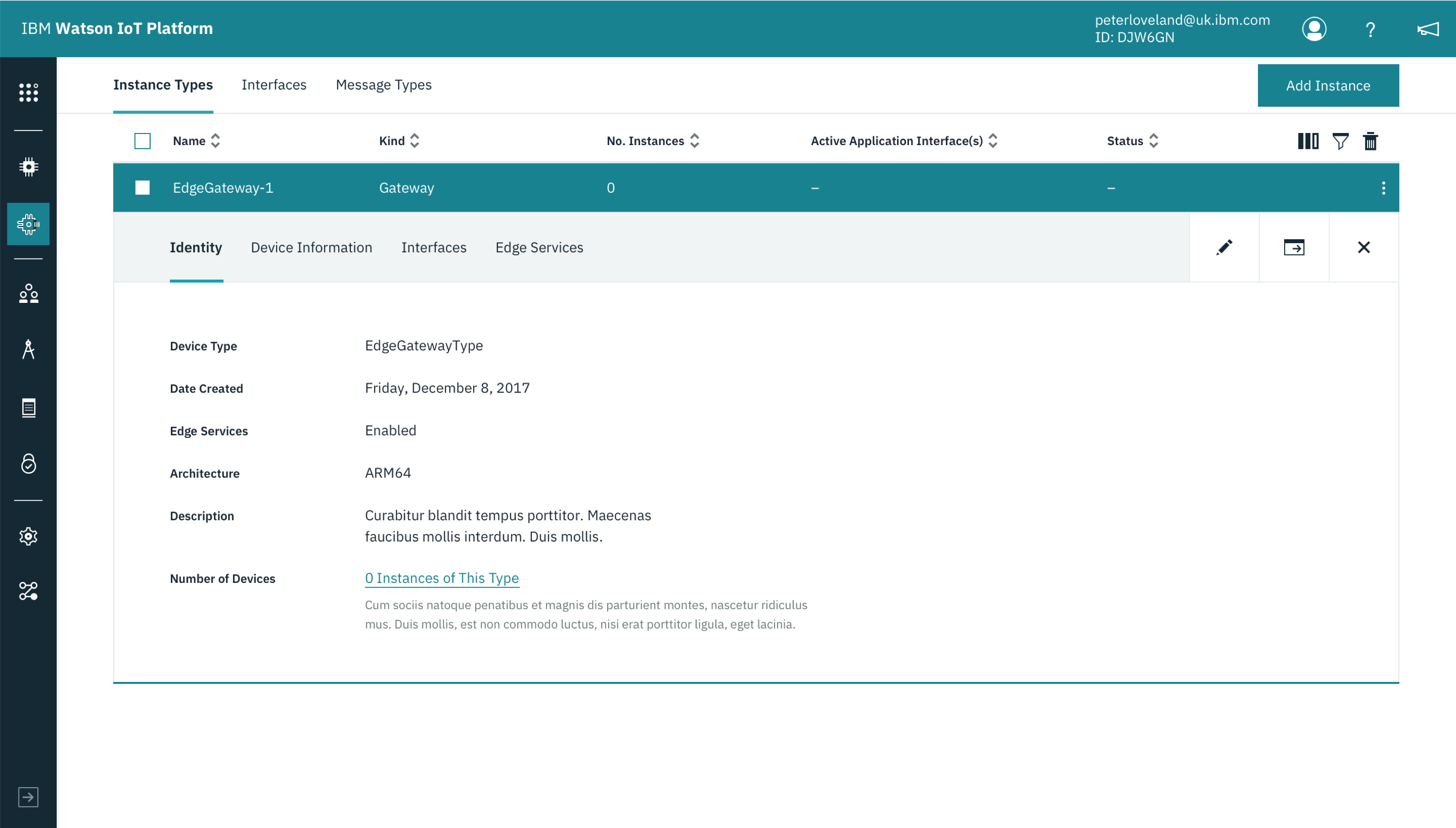
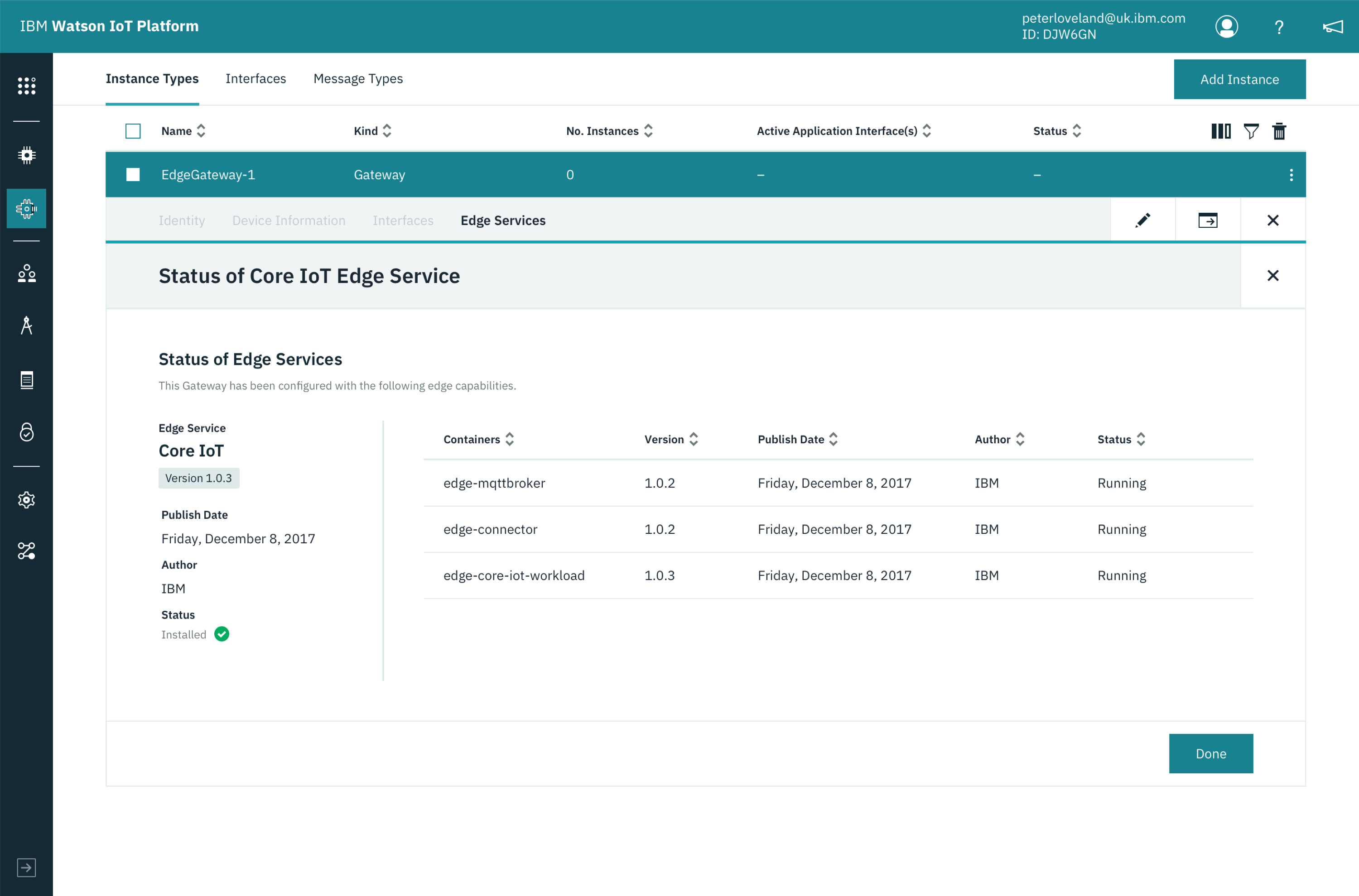
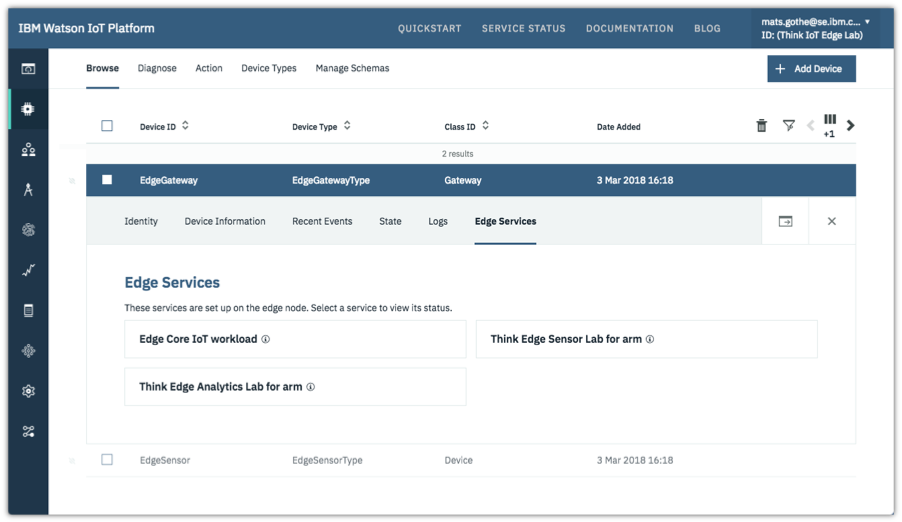
- IoT Edge extensions to Watson IoT Platform Gateways
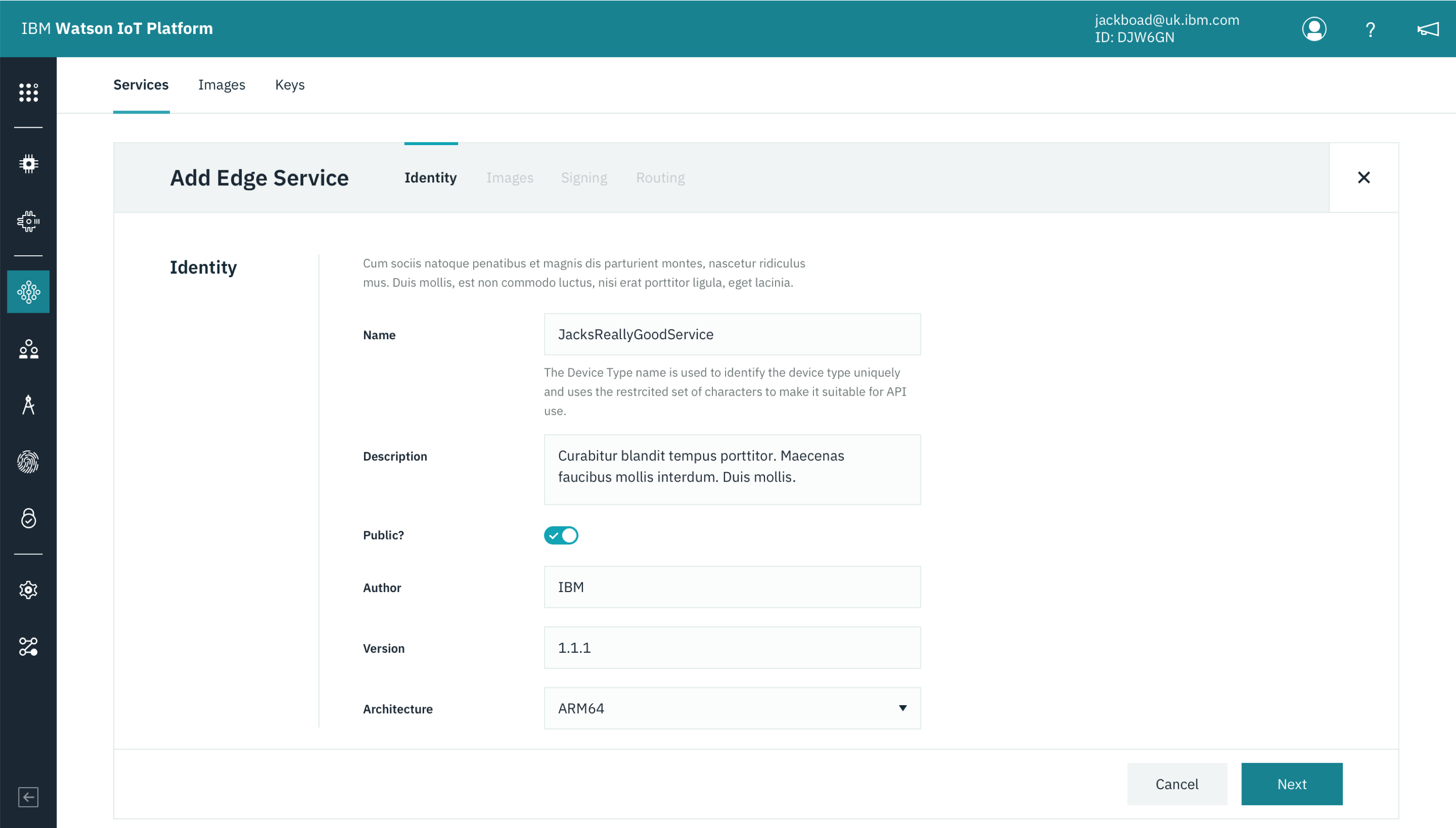
- New IoT Edge Services
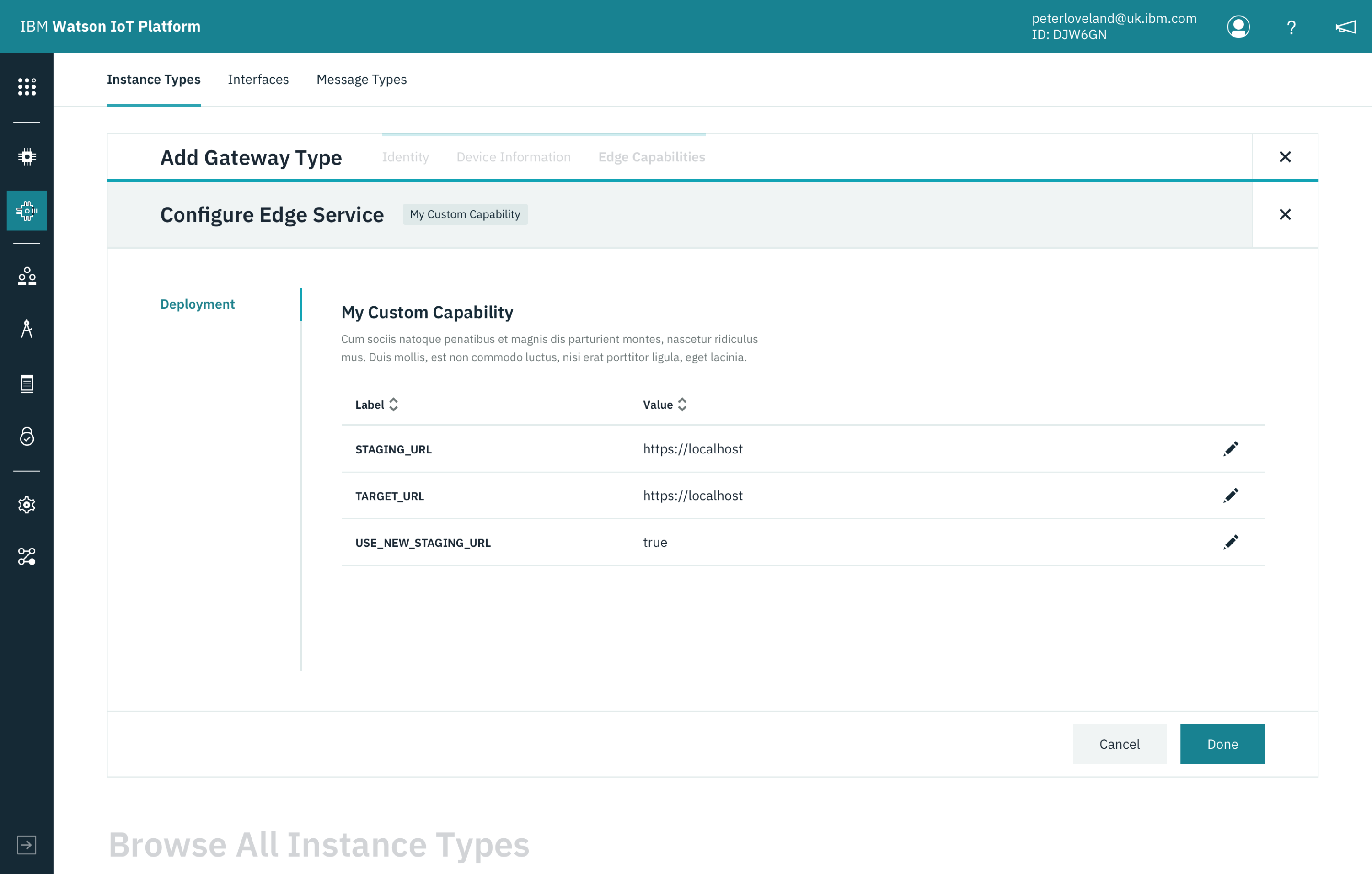
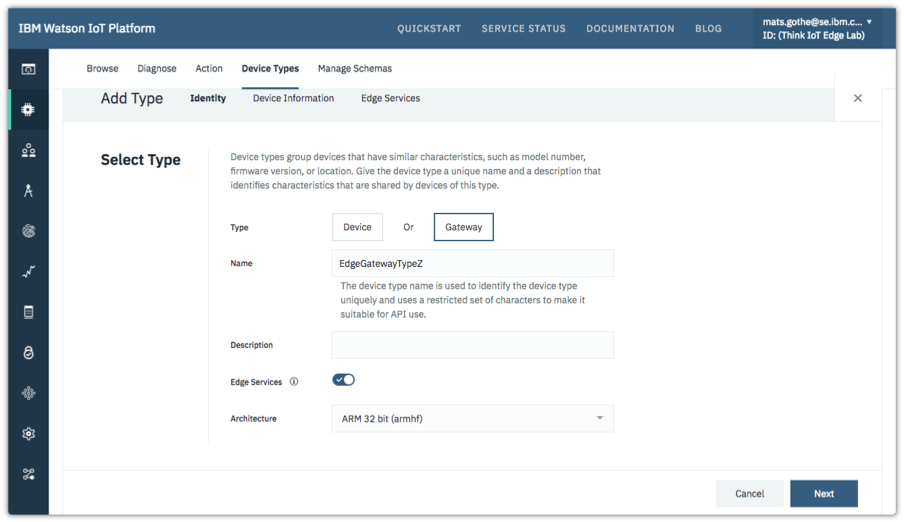
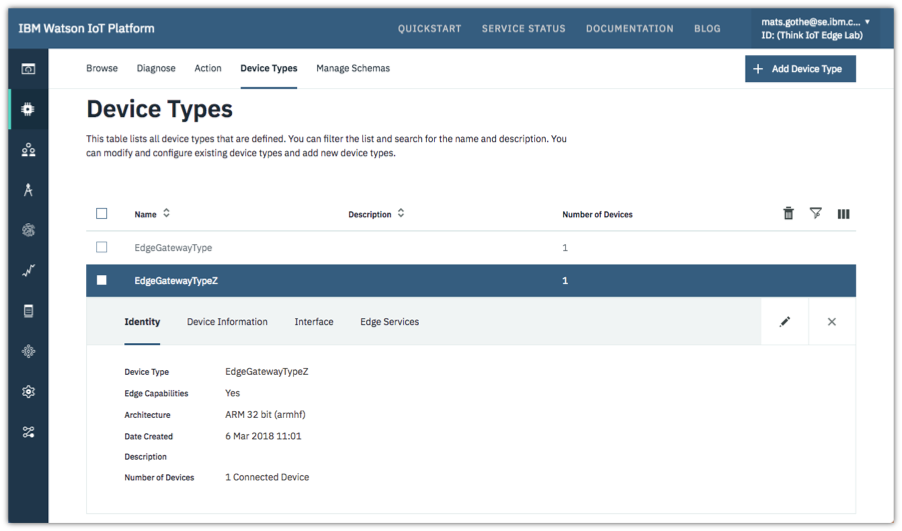
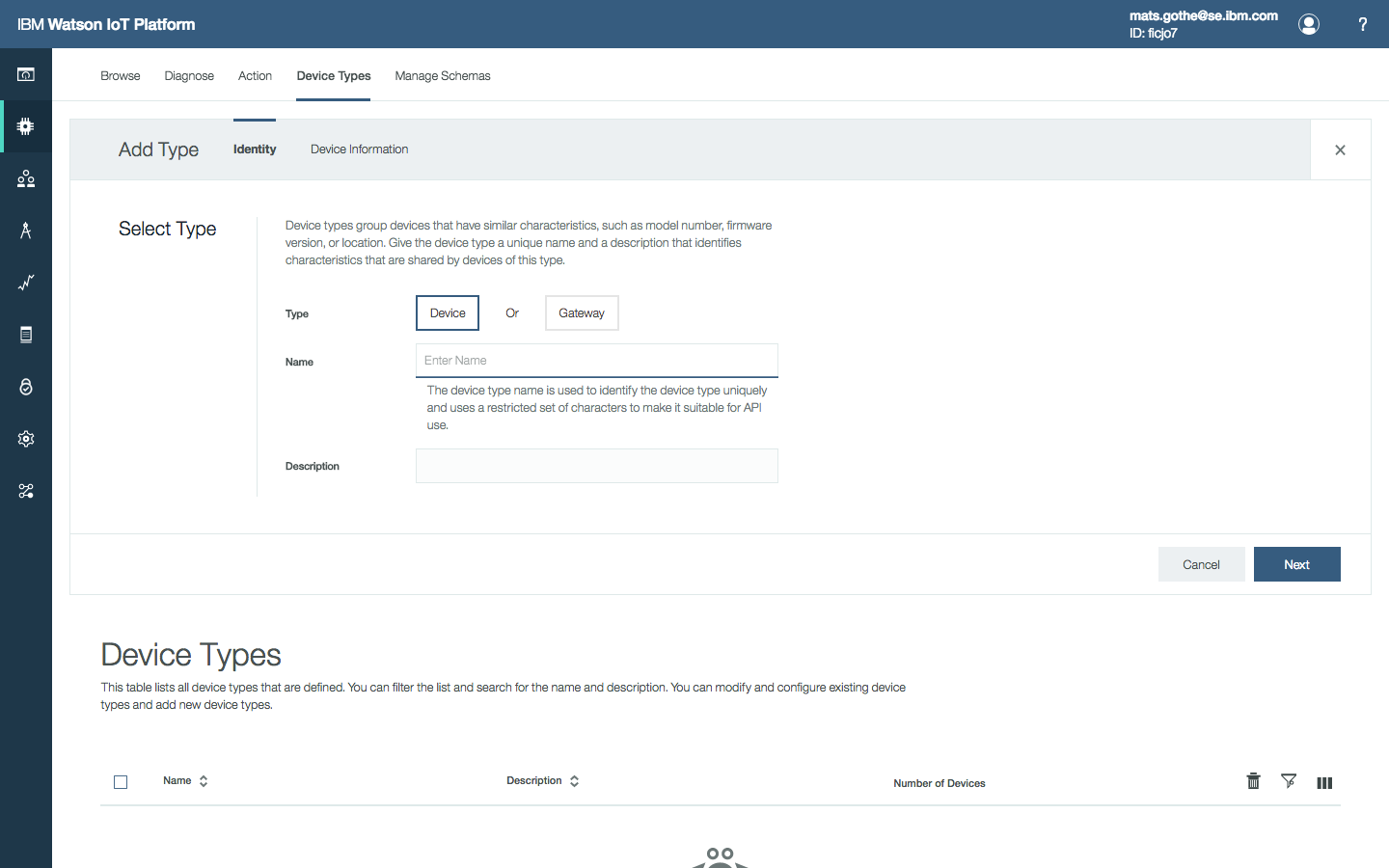
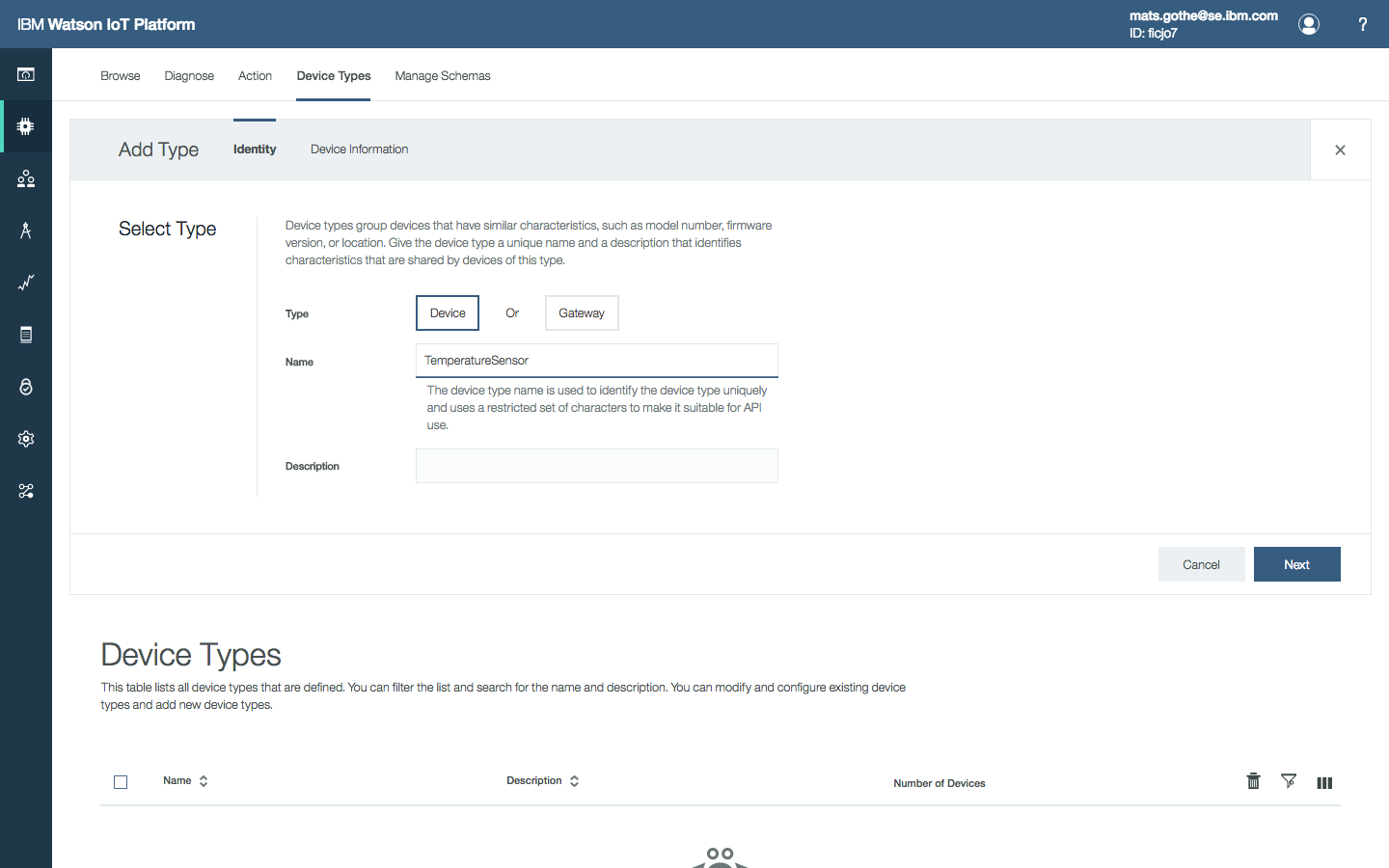
Developers will use existing concepts of IoT Platform Gateway Types. By choosing the option to make a Gateway an IoT Edge Gateway, developers get access to additional capabilities when defining a gateway type. The new capabilities are introduced together with the existing gateway properties or added as new tabs.
When adding a new Edge Gateway Type, a developer will create a gateway type, select the Edge option, and then choose the hardware architecture for gateways of this type. The options are Intelx86, ARM32, ARM64.
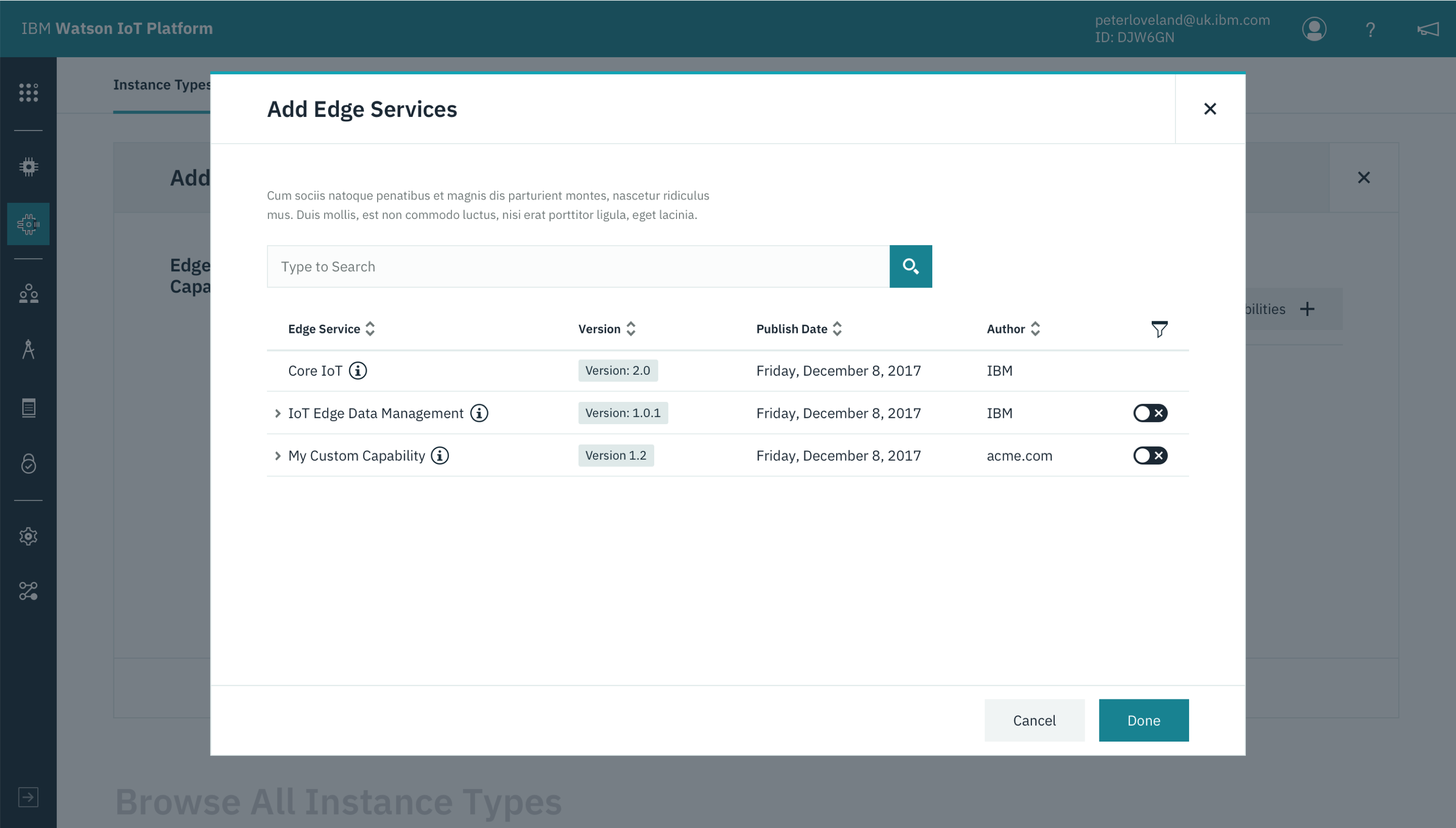
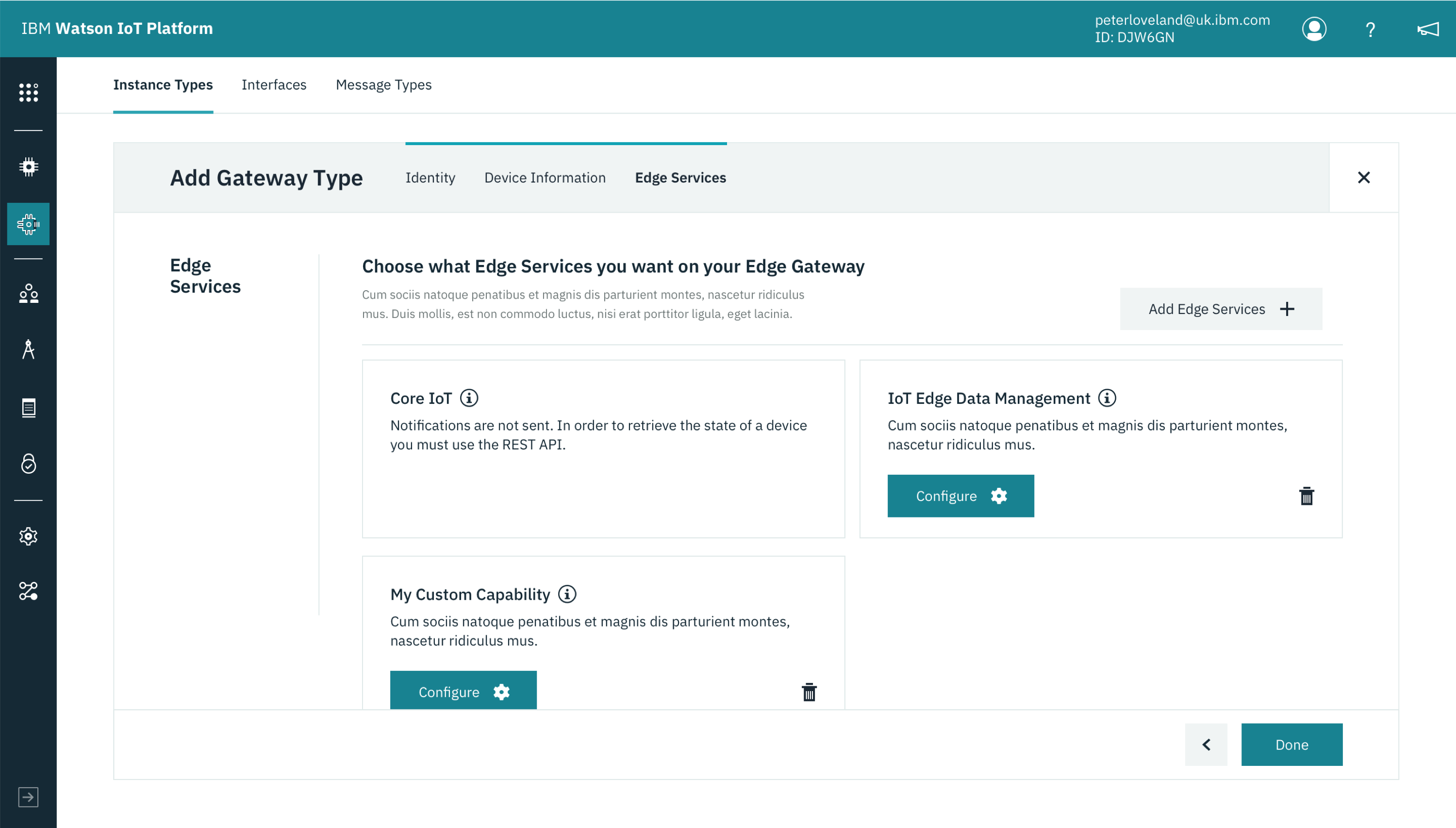
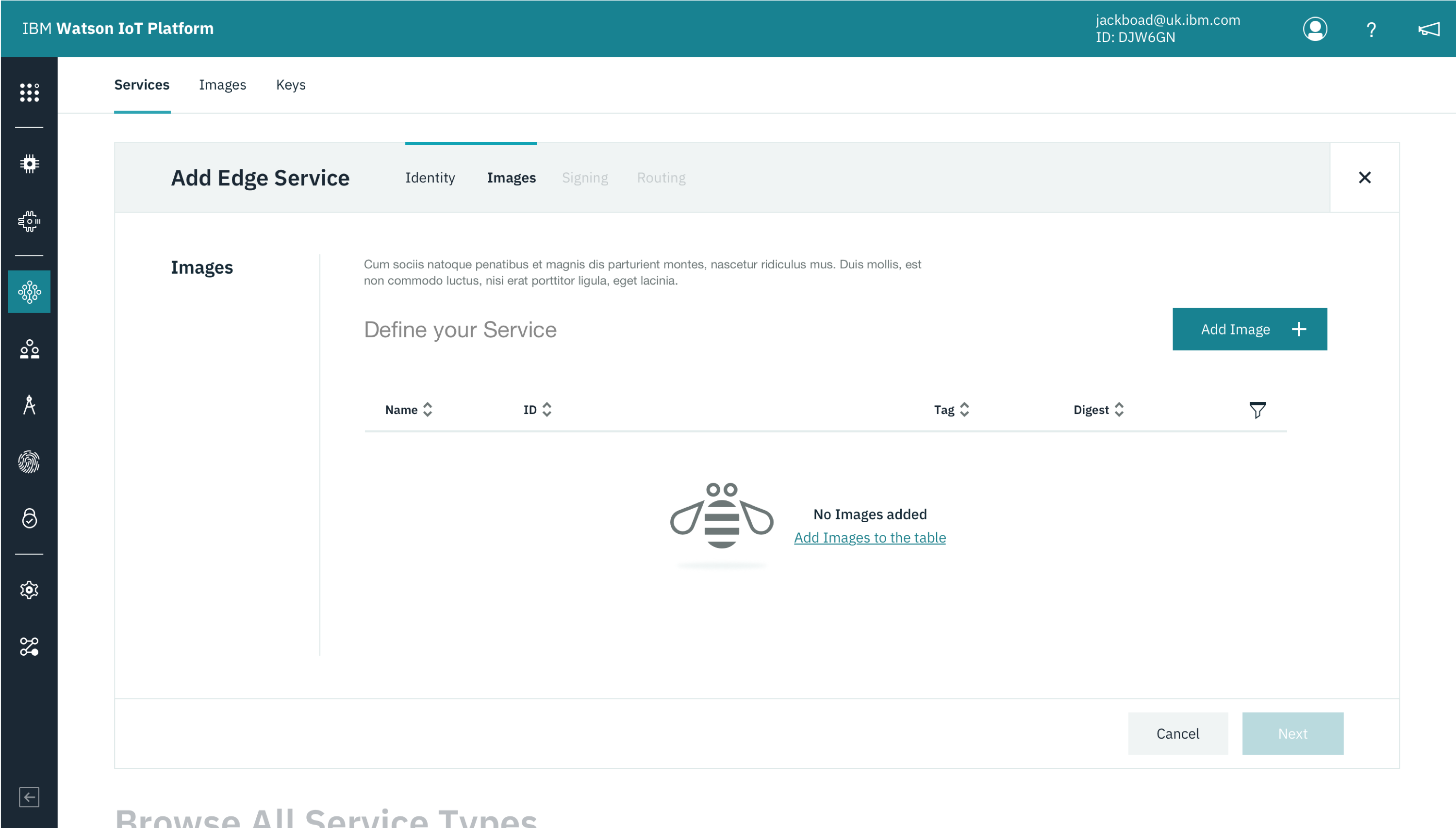
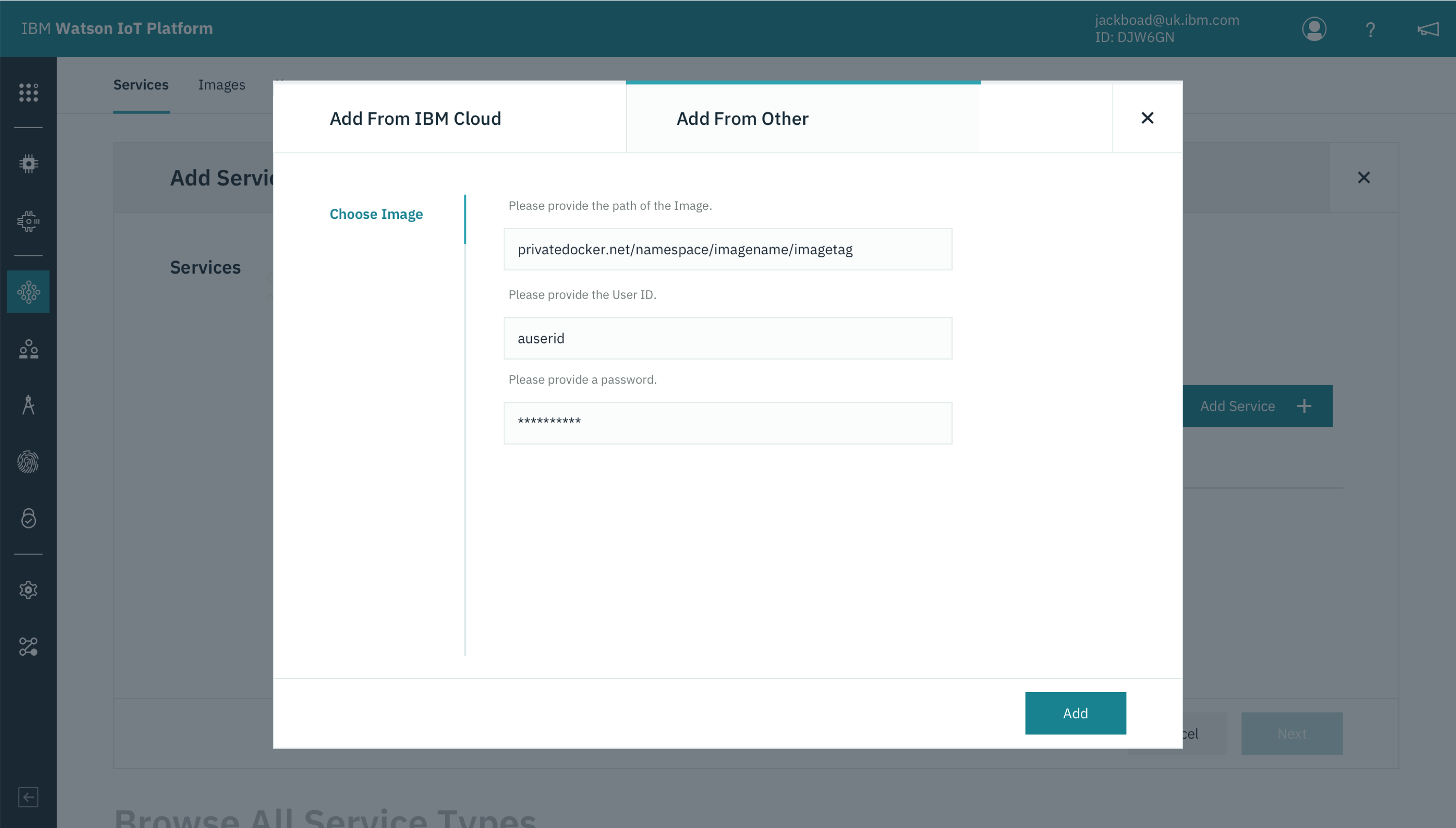
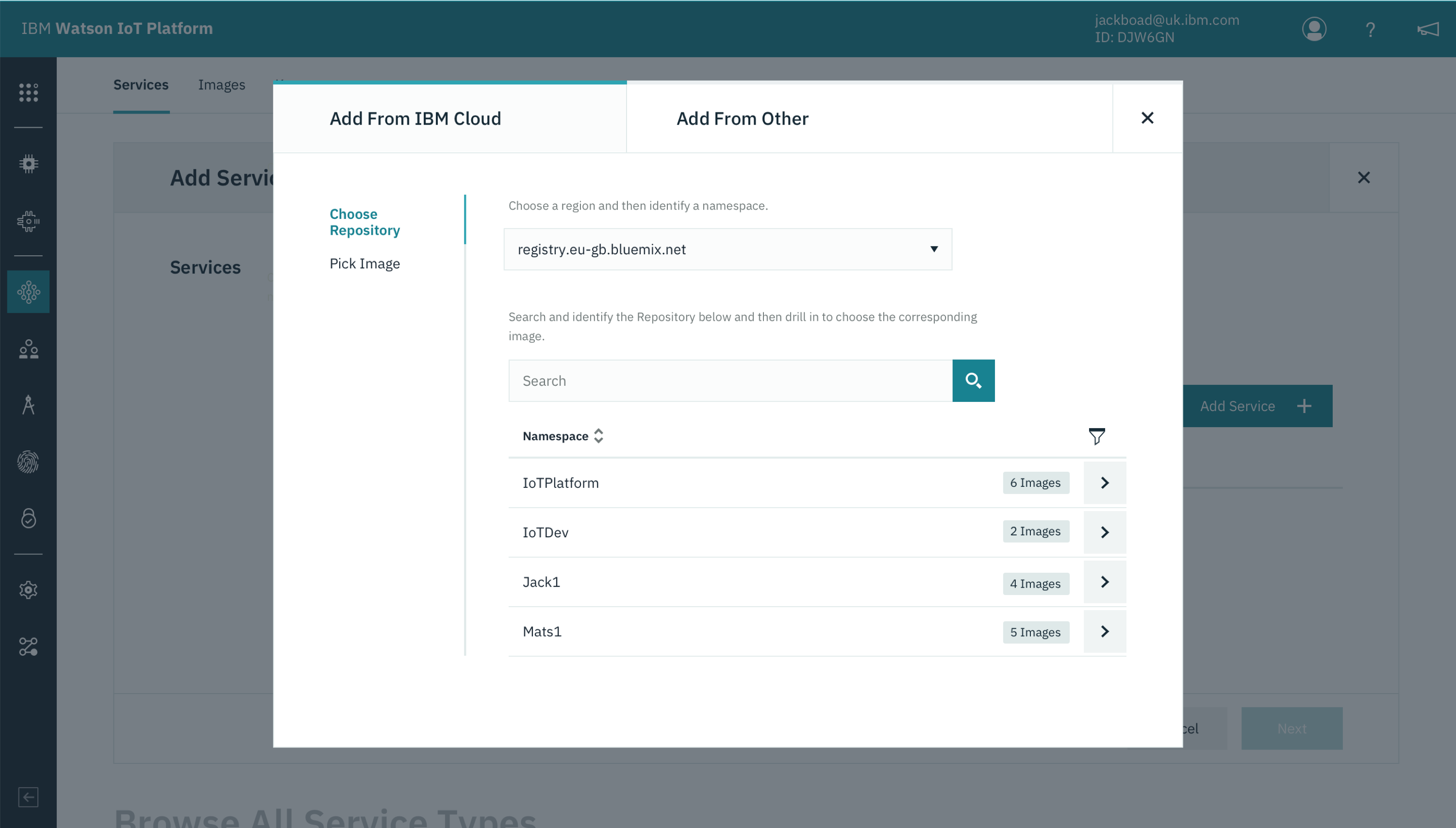
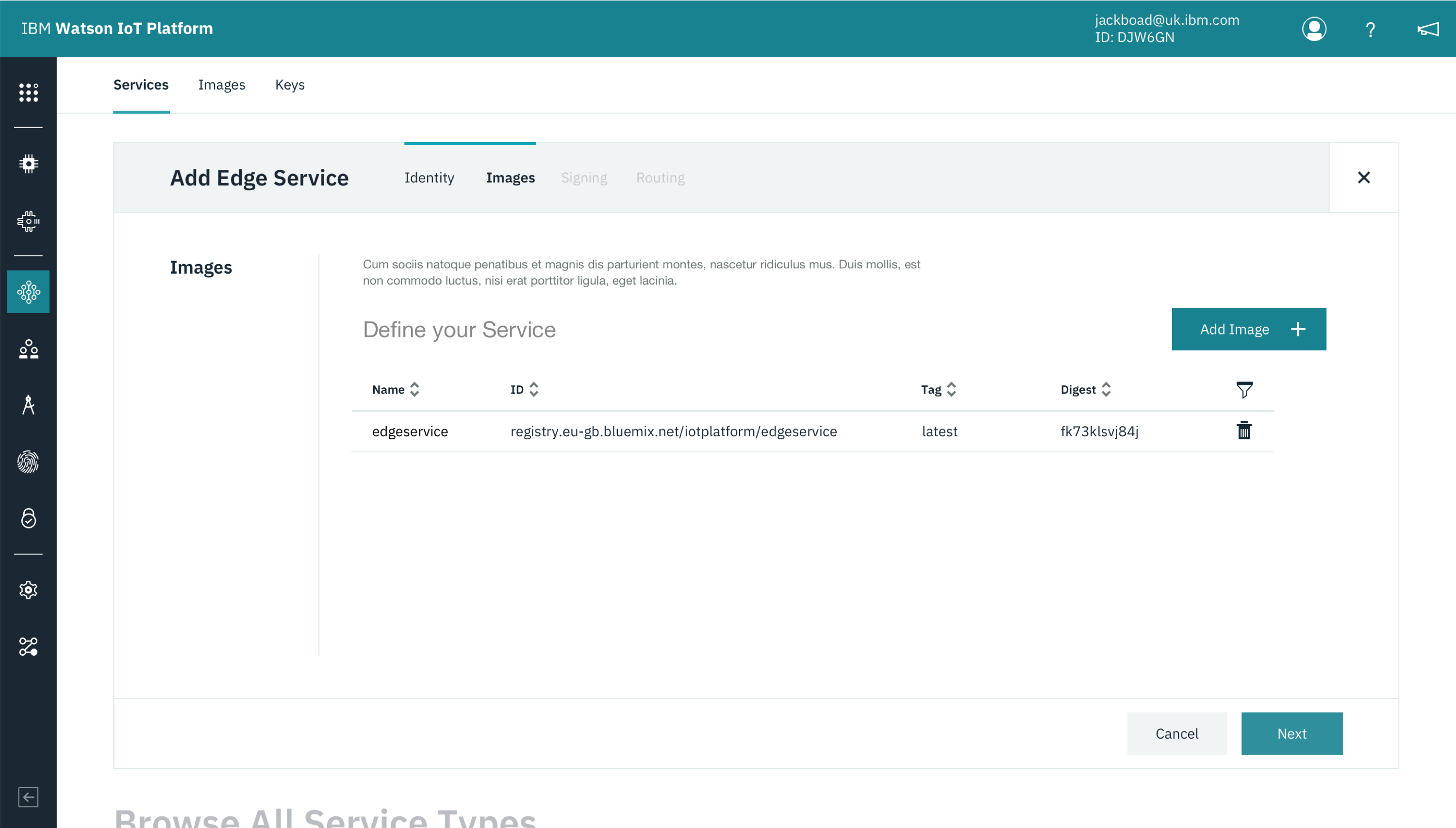
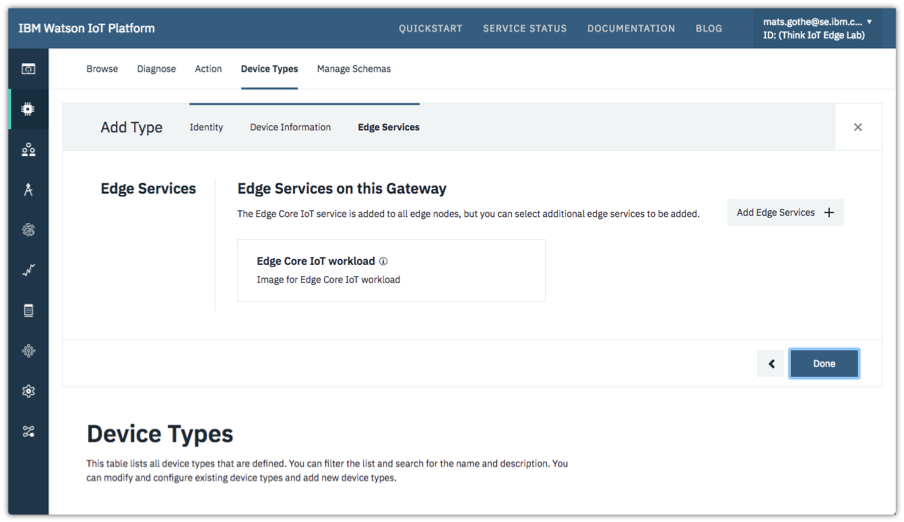
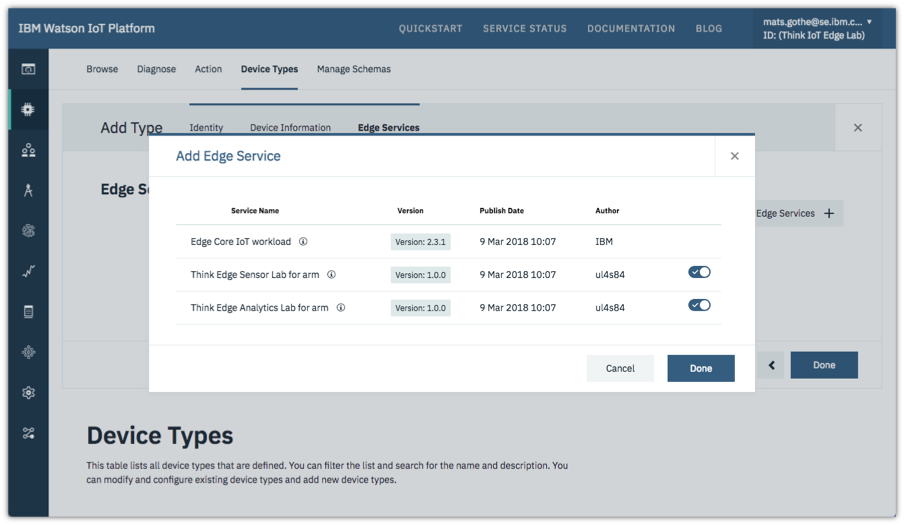
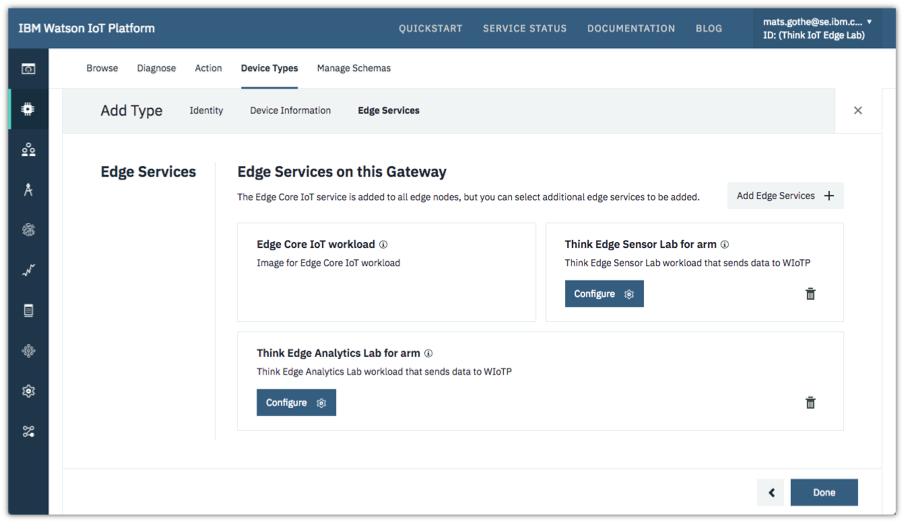
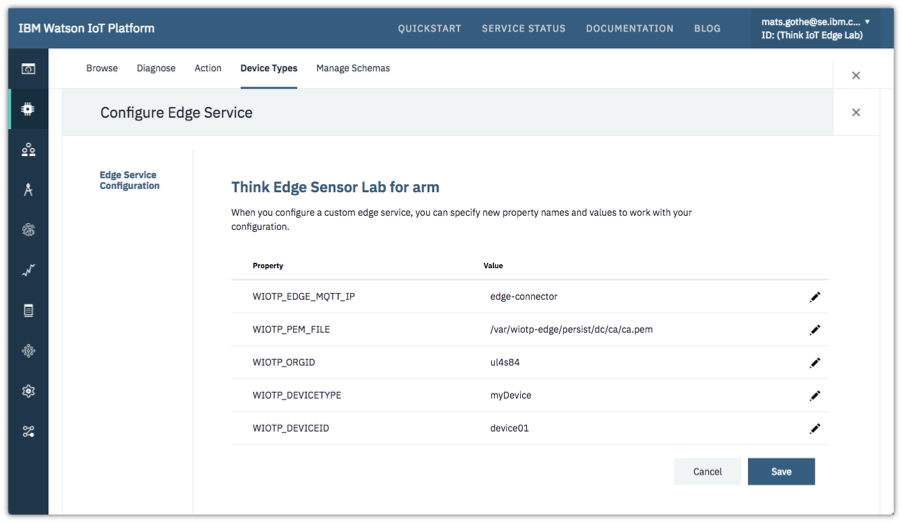
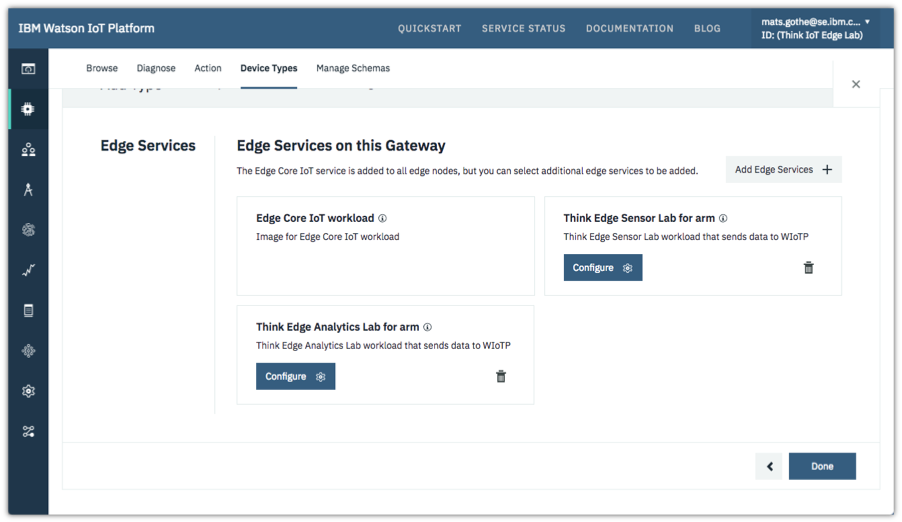
The developer can also optionally select Edge Services that will run on gateways of this type. The developer can browse the Edge Service Catalog for a list of services and available versions for gateways of this architecture. The latest version is shown by default. Alternatively, a different version can be viewed and selected.
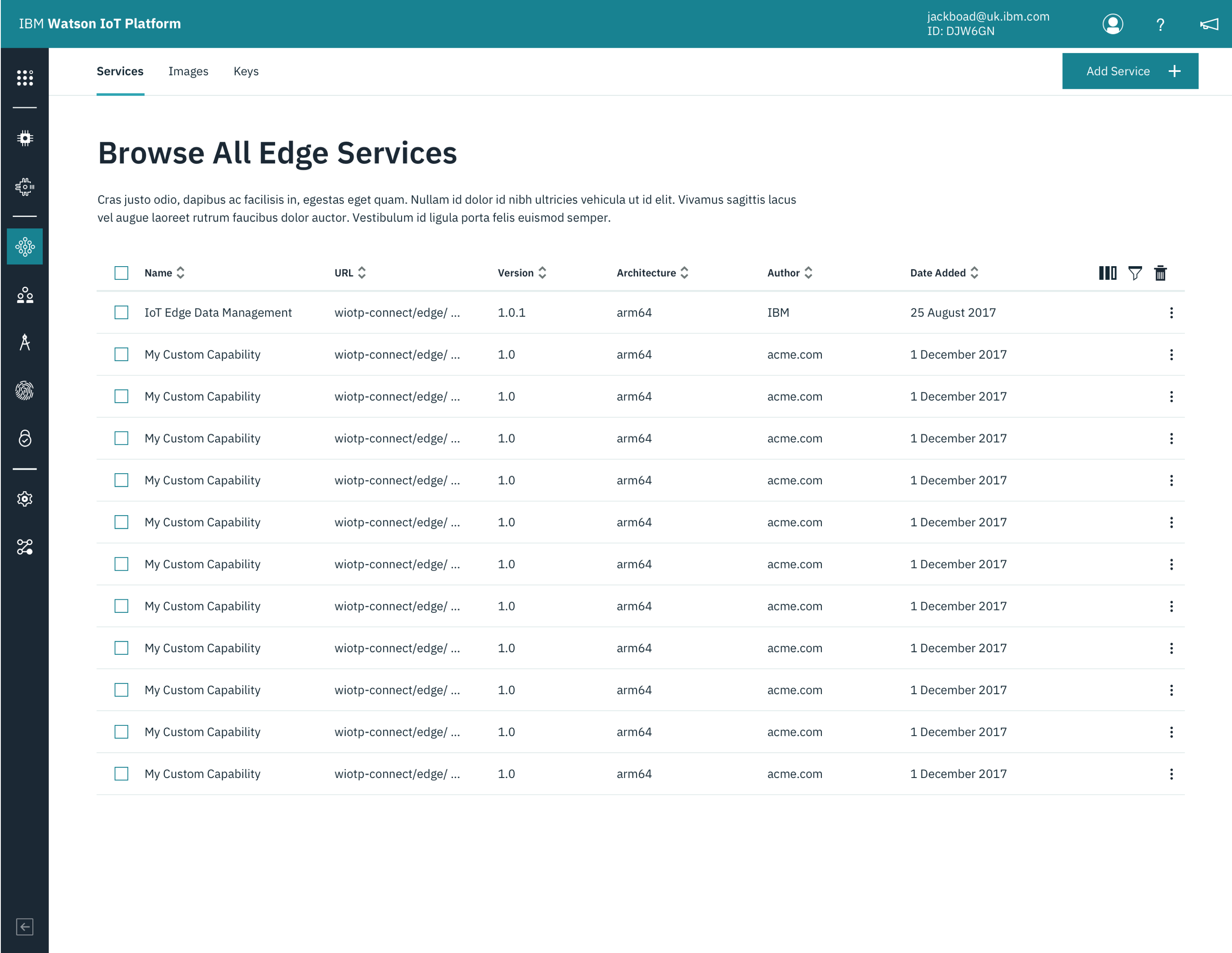
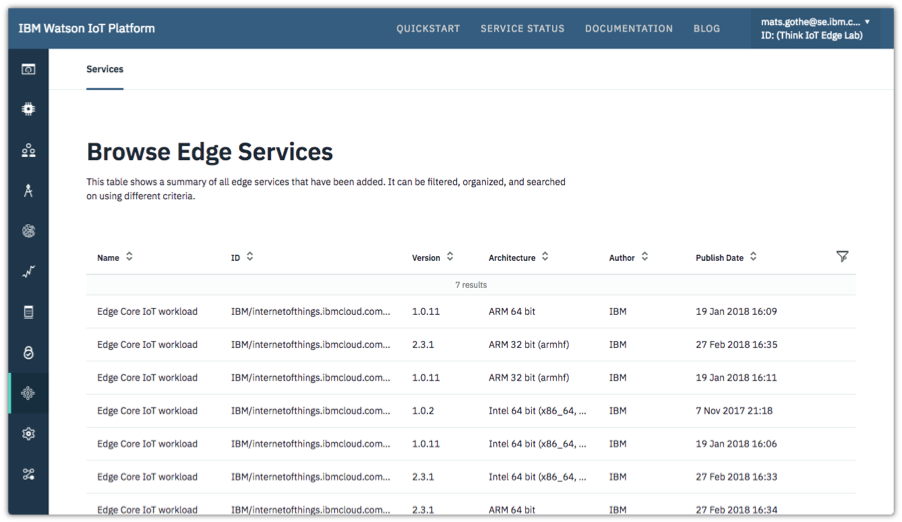
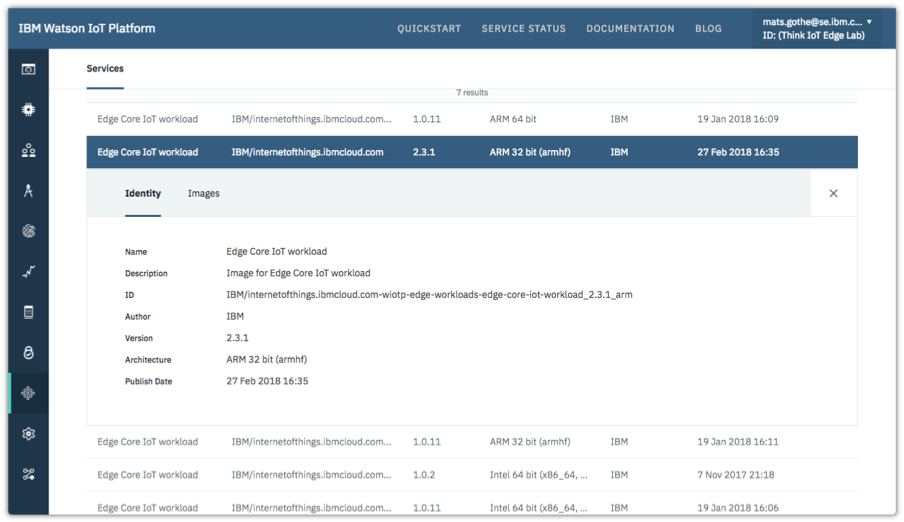
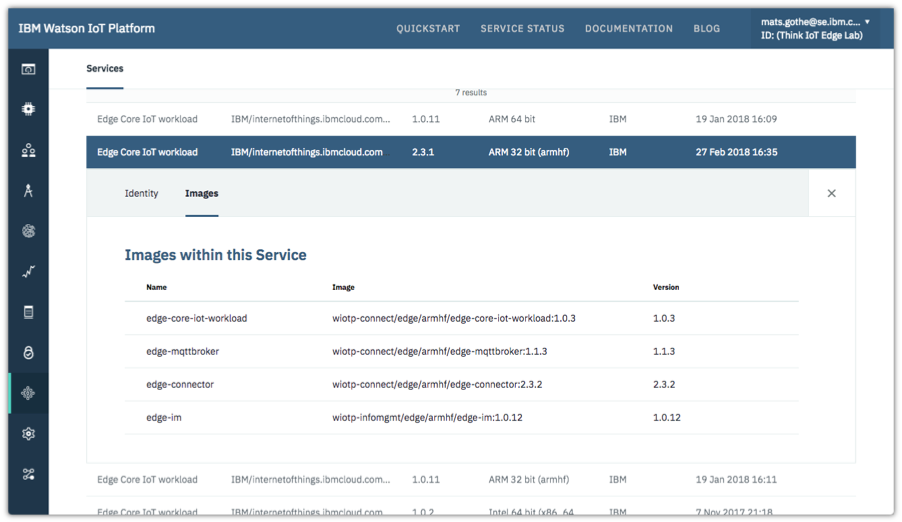
For developers that want to get an overview of available Edge Services, the Edge Service Catalog is available for browsing and exploring the Docker images that have been configured for a service.


 Design Research on IoT Edge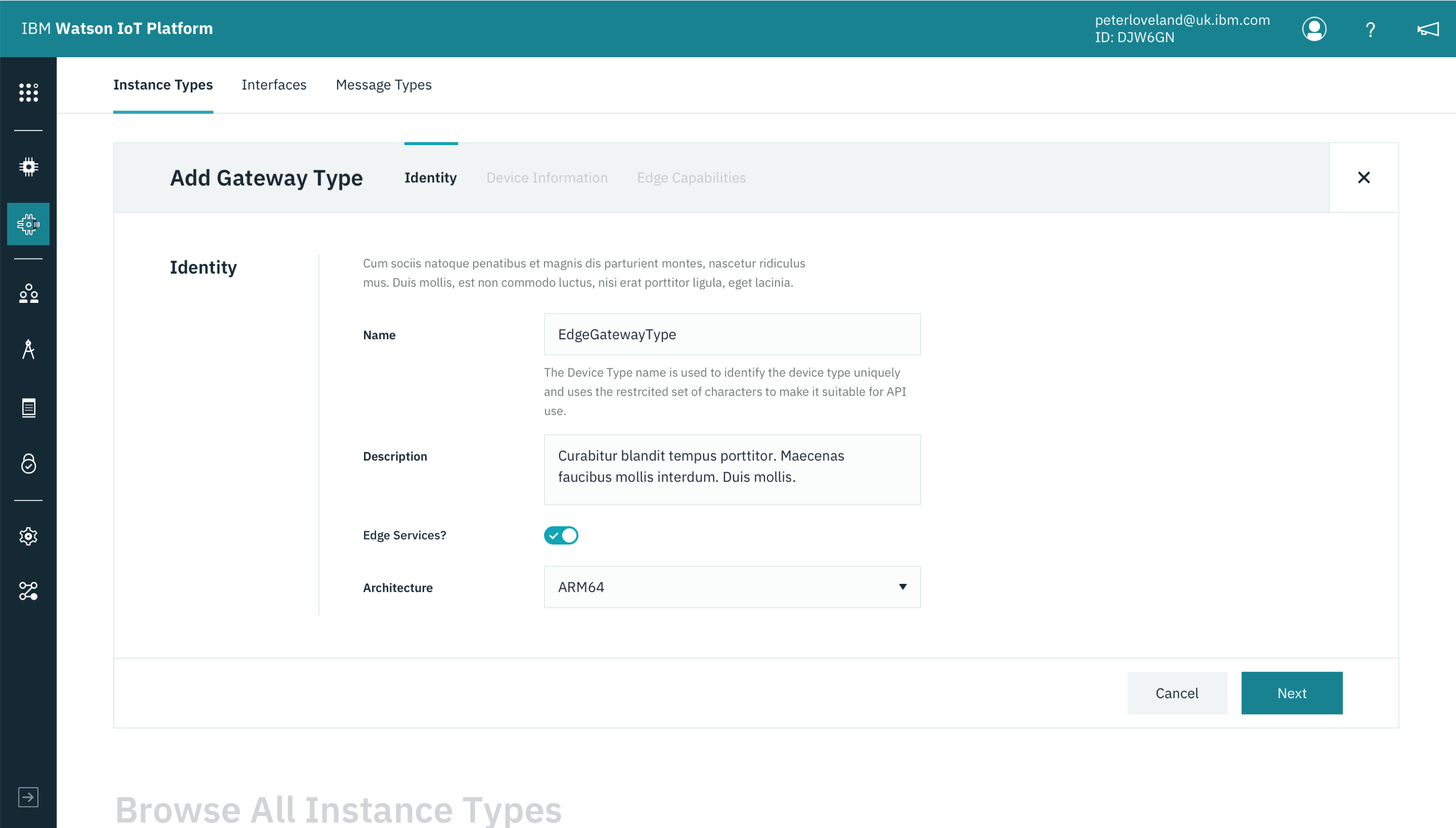














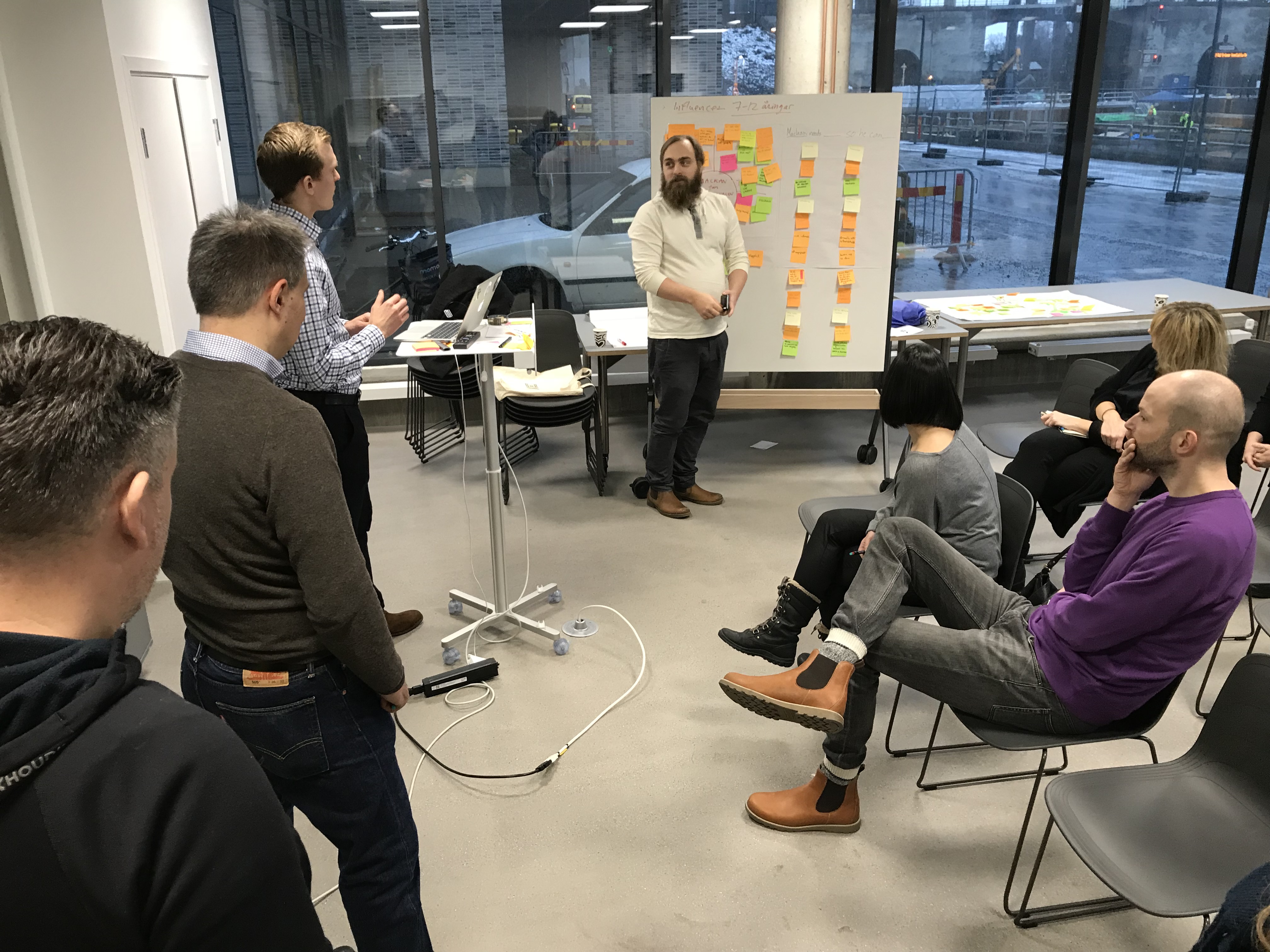
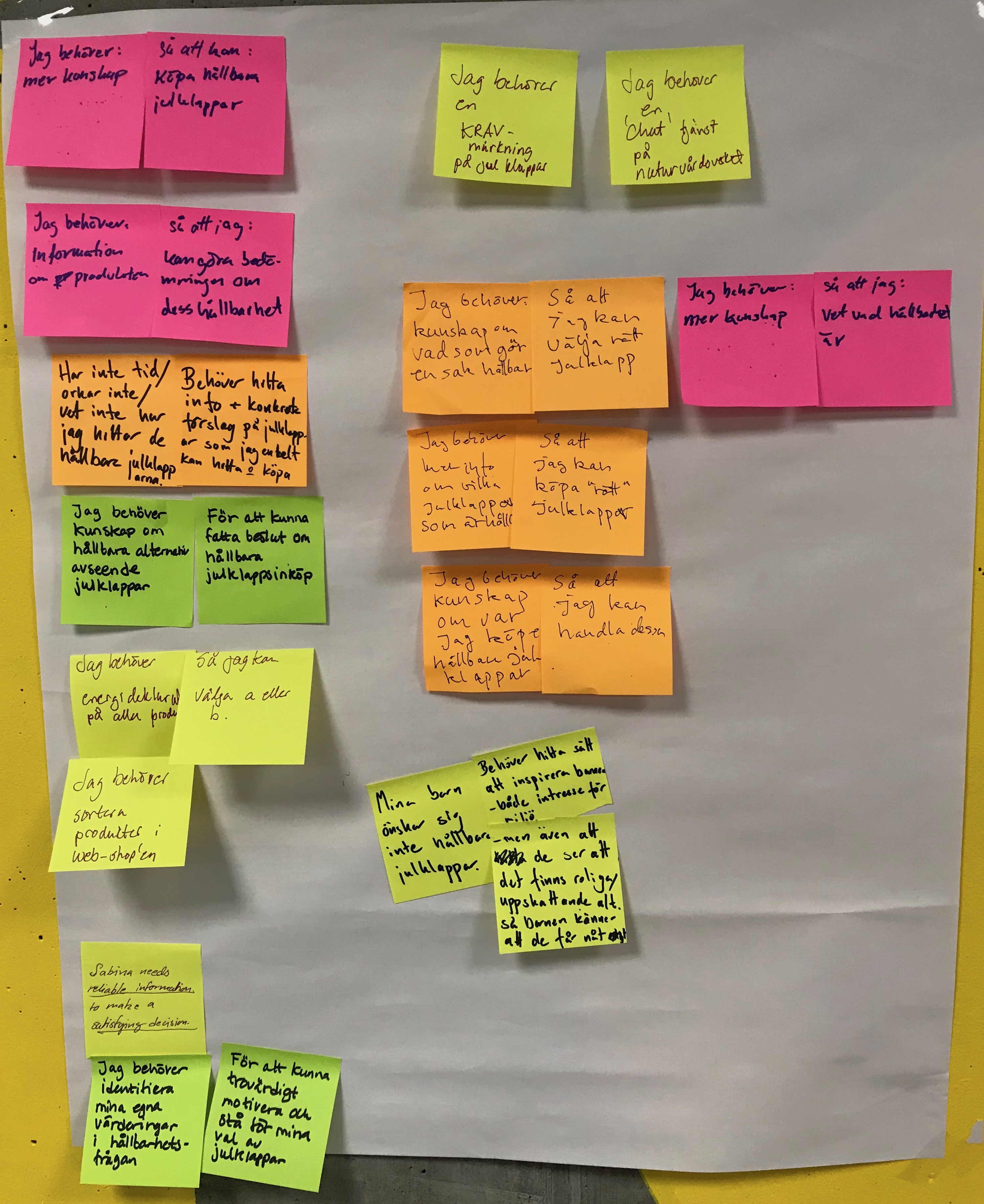

 “Well thought out and structured presentation and Workshop”

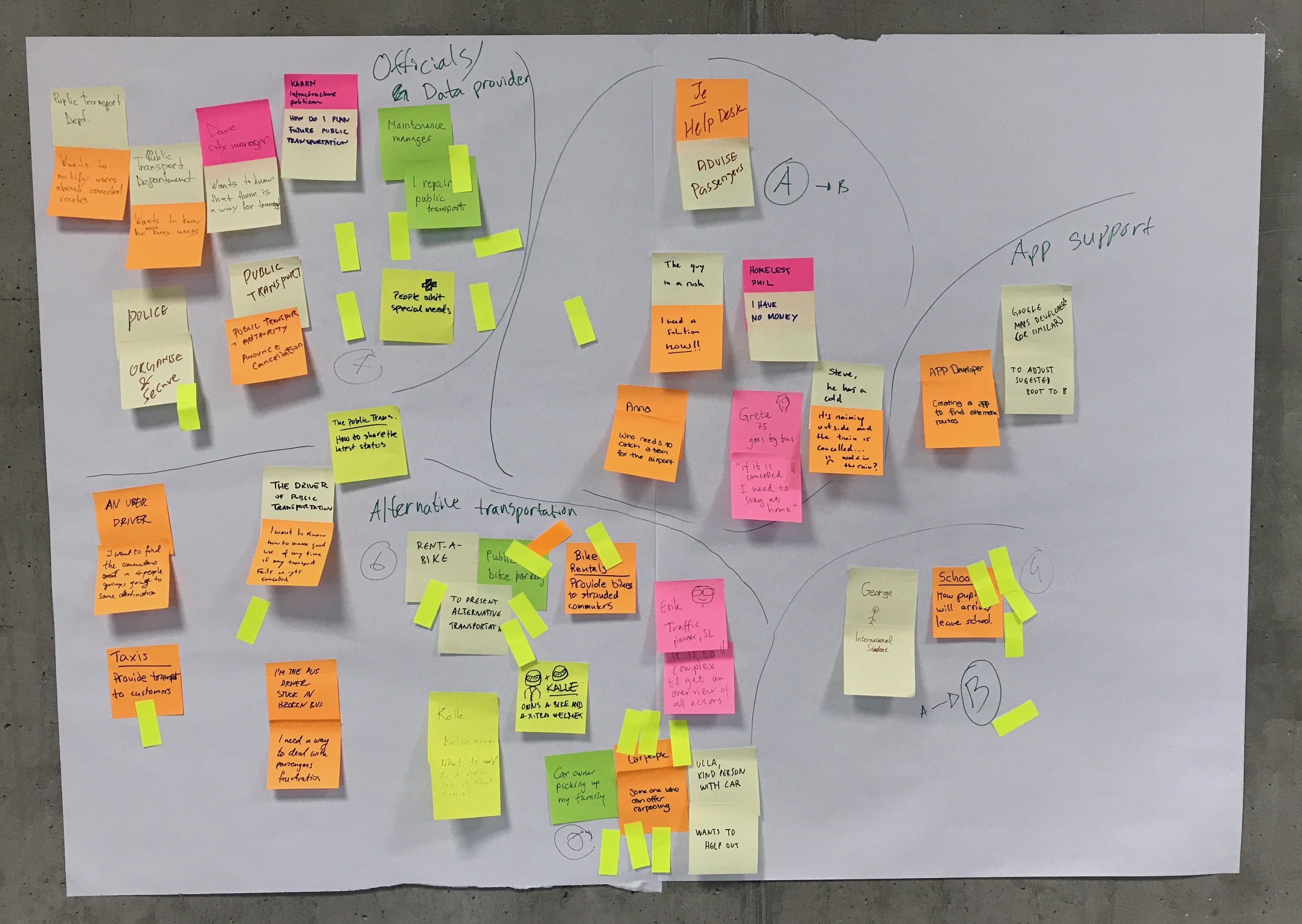

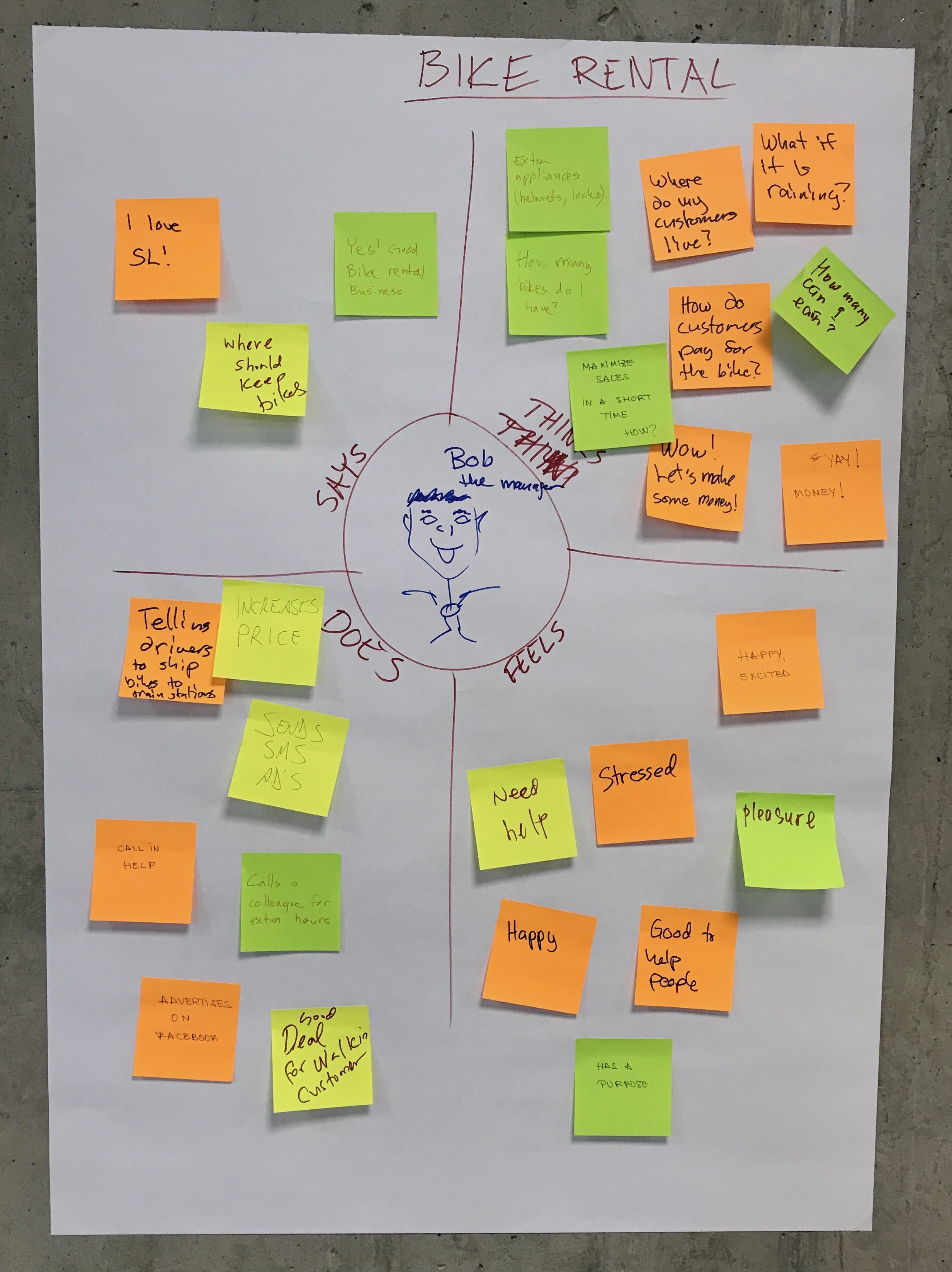
 “Very useful and inspiring”